

Write in Comment on this component and send it. The modeller gets the comment as on any pull request, and answers it in VS Code or in the browser. Select Reply to answer a comment, and Resolve once its question is settled. Branch policies can stop a pull request from being completed while a comment is still active.
To propose another value, select Suggest a value under it, type the value and post it. The suggestion is a comment on the line of the value: the modeller sees the line with your value and can apply it from the Files tab of the pull request.
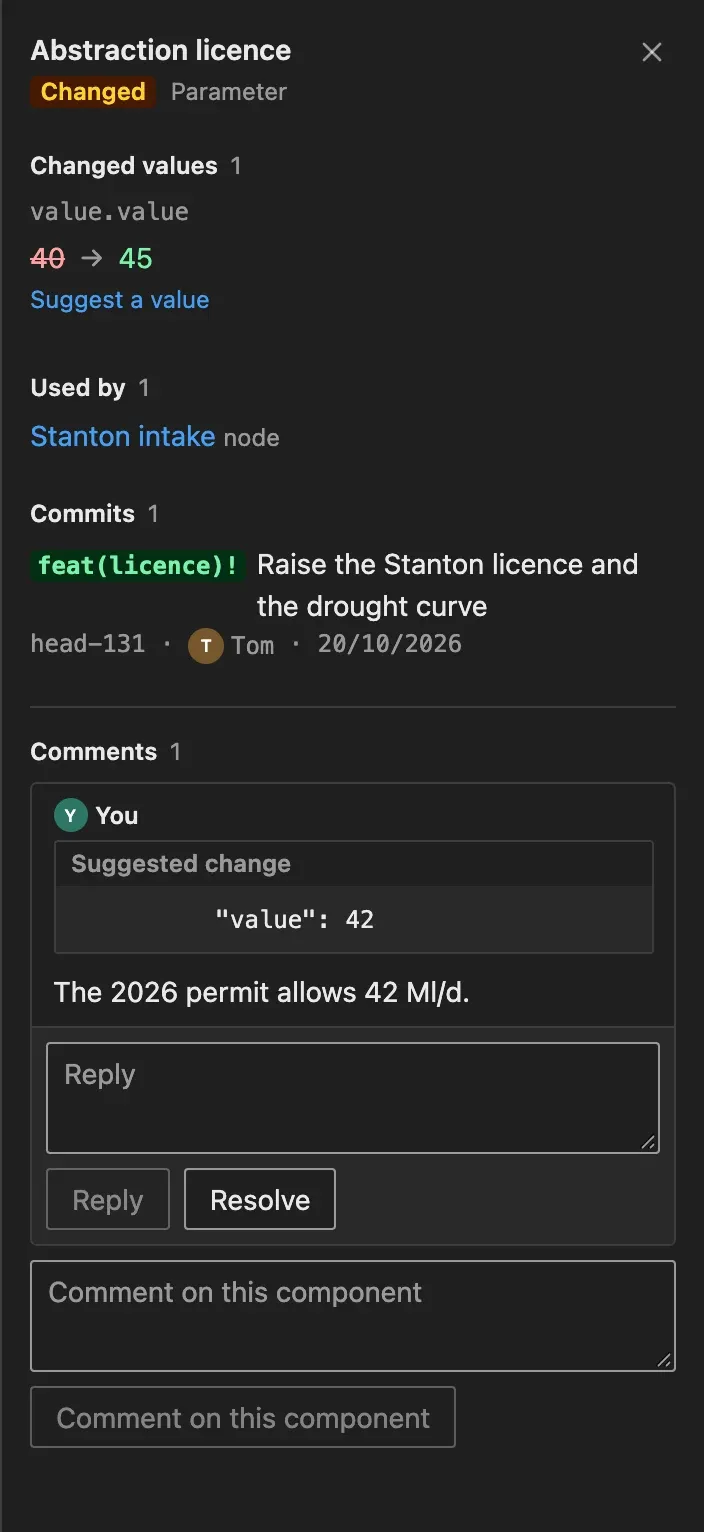
Some changes, such as a removed edge, have no lines of their own in the new file. Comment on a node they connect to, or on the whole pull request.
Open comments on the whole pull request are listed at the top of the Changes pane, in Comments on the pull request. They include messages from bots, such as a request for a licence check. Select a comment to read it in the right pane, where you can reply to it or resolve it.
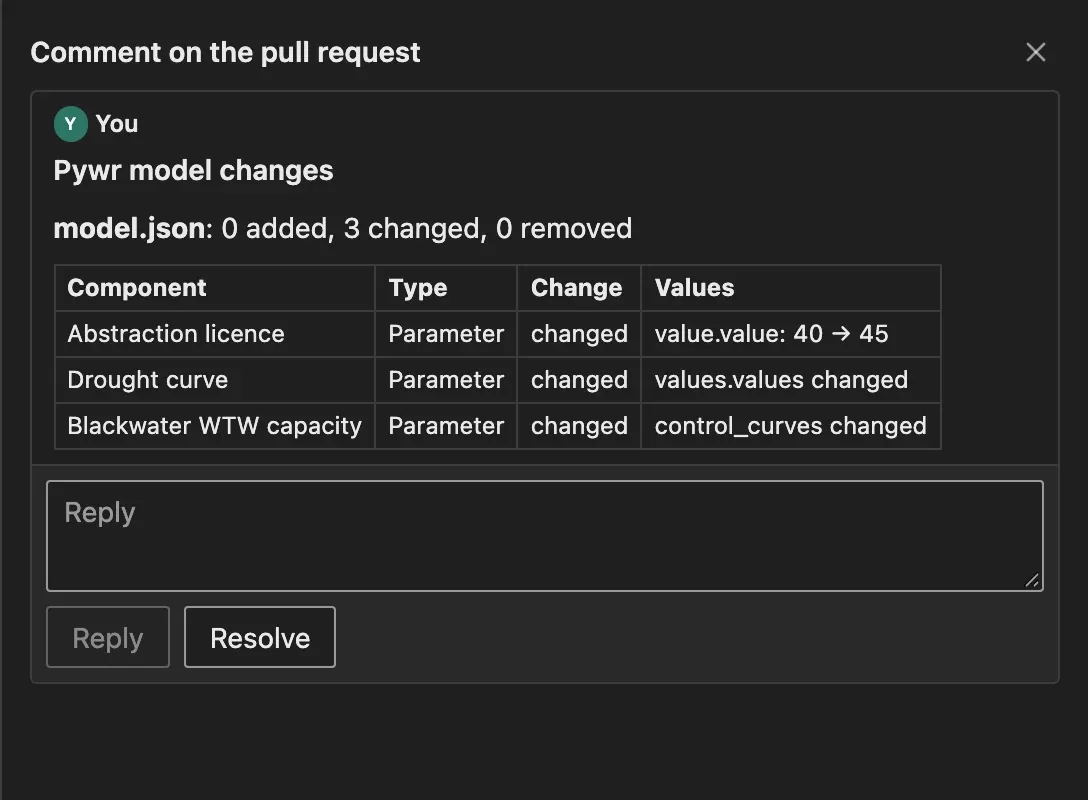
Post a summary of the changes, in the right pane when no change is selected, writes a comment that lists the model changes with their old and new values. It is for the people who read the pull request in Azure Repos or in the emails of Azure DevOps. Once posted, the button updates the same comment.
Pywr for VS Code and Pywr for Azure DevOps are developed and maintained by Stefano Simoncelli.