
Pywr models, from the first edit to the approved change
Two extensions, one for the people who build Pywr water resource models and one for the people who approve their changes. Each works on its own, and together they carry a change from the editor to the main model.
Pywr for VS Code
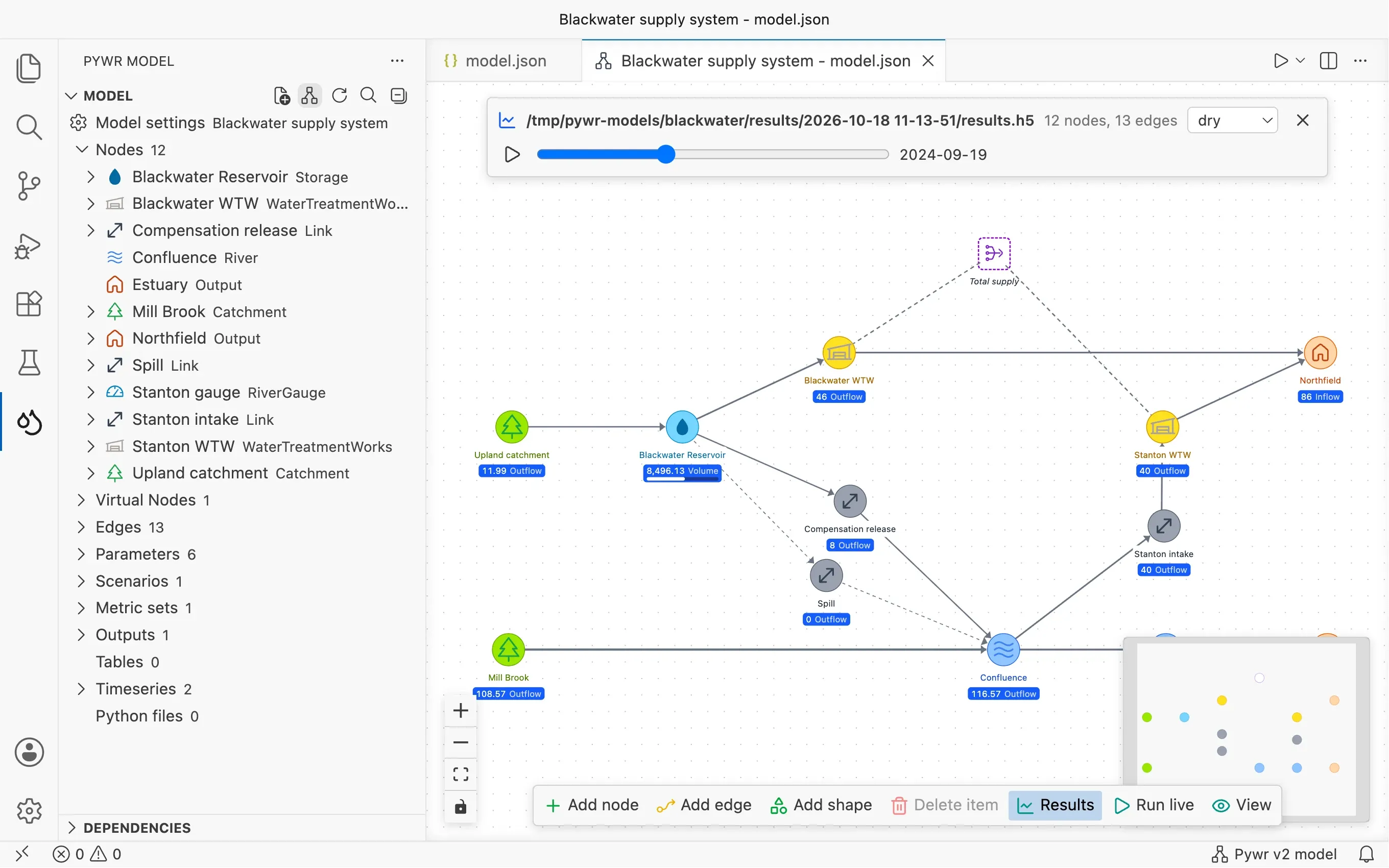
For modellers
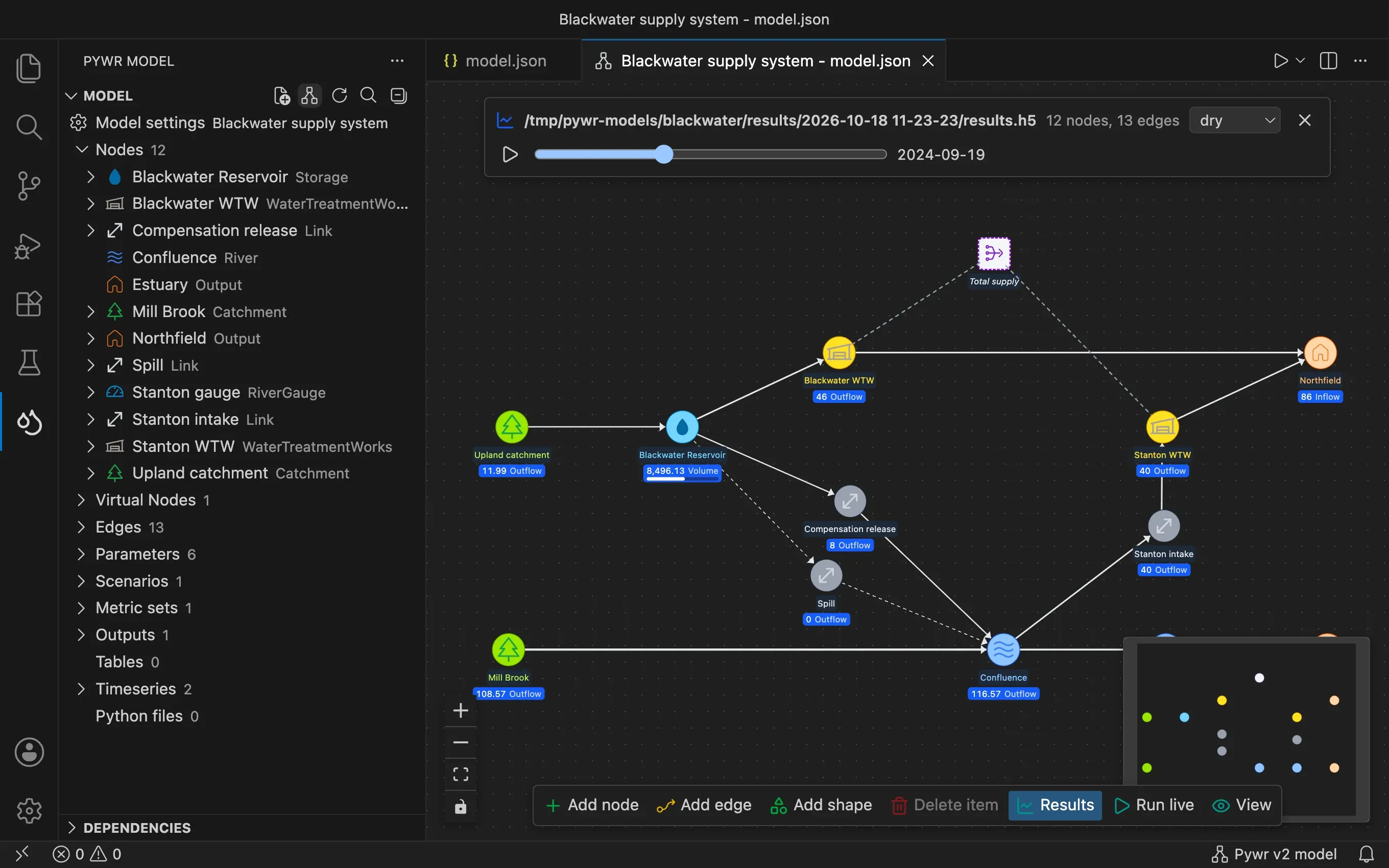
Draw the network on a schematic, edit components in forms, catch mistakes as you type, run the model and chart its results, all in the editor.
Free. VS Code 1.110 or later.
Pywr for Azure DevOps
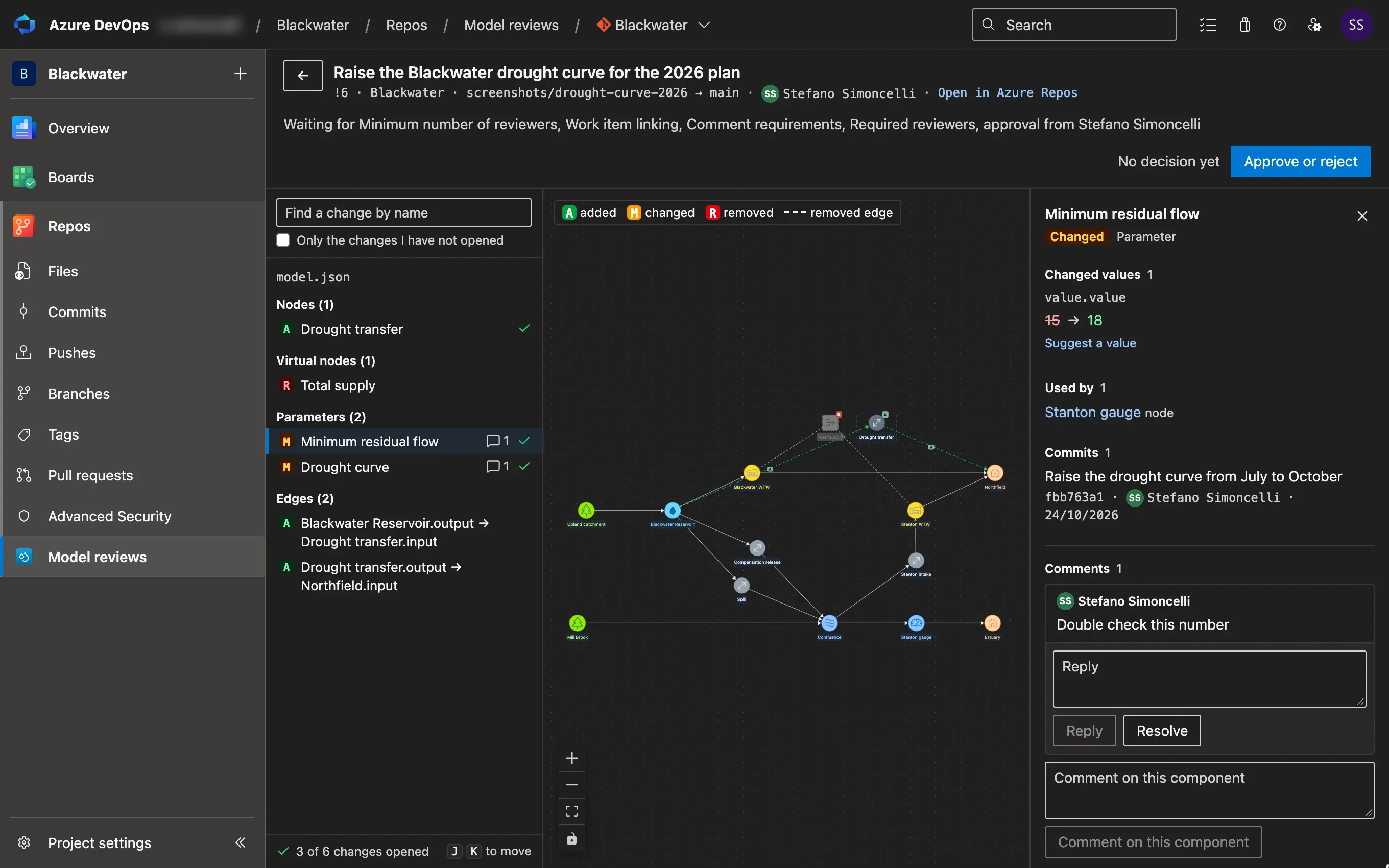
For reviewers and approvers
See each change to a model component by component and on the schematic, then comment on it and approve it in the browser, without Git.
30 days free, then a yearly licence.
Where the two meet
The modeller sends a change to the model from VS Code, and the reviewer approves it in Azure DevOps. A question asked on one side is answered on the other.
Each one works on its own
You can use Pywr for VS Code without Azure DevOps. A reviewer can use Pywr for Azure DevOps on changes made in any editor.
| Pywr for VS Code | Pywr for Azure DevOps | |
|---|---|---|
| For | The modellers who build and change models | The people who review and approve the changes |
| Runs in | VS Code 1.110 or later, on your computer | Azure Repos, in the browser |
| You need | A Python environment to run a model; none to chart results | Access to the model in Azure DevOps. Nothing to install |
| Models | Pywr v2 and Pywr v1 | Pywr v2 and Pywr v1 |
| Price | Free | 30 days free for each organisation, then a yearly licence |
Start with the one you need
Modellers start with VS Code. Teams who approve model changes add Azure DevOps when the first change needs a reviewer.
Read the documentation of both, or the changelog.